Roles and permissions
This was a change request on the admin's roles and permissions page. There are 168 permissions in 28 categories, and they were spread across many pages. Saving replaces the whole list at once. So an admin moved between pages to change one role, and could remove something without noticing.
Every permission on one screen
I split the permissions by their keys, and put the categories in a side rail. Clicking a category shows its table right away, a row per resource and a column per action: read, create, update, delete, manage. Search reaches any of the 168 permissions. Beside each category is how many are selected.
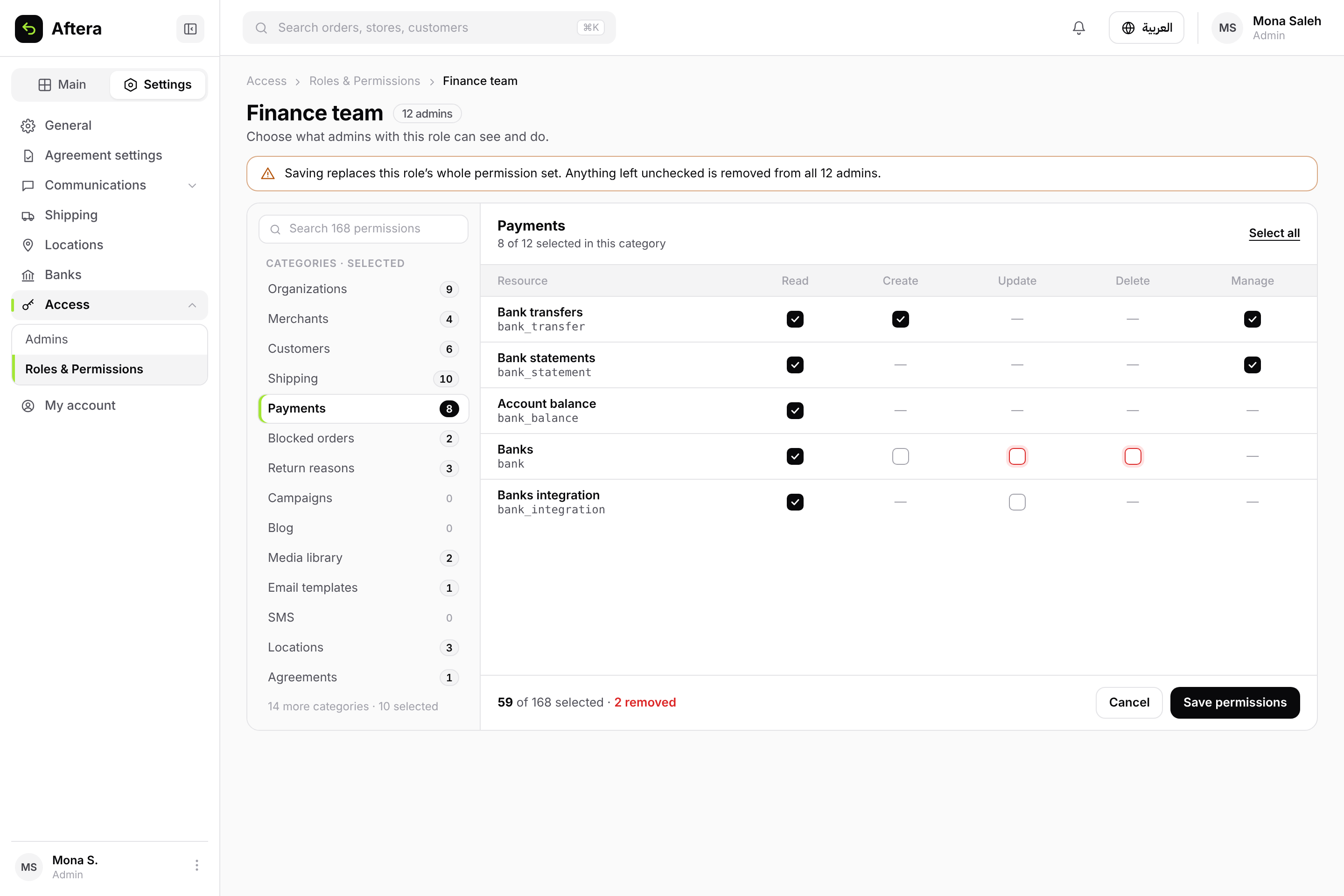
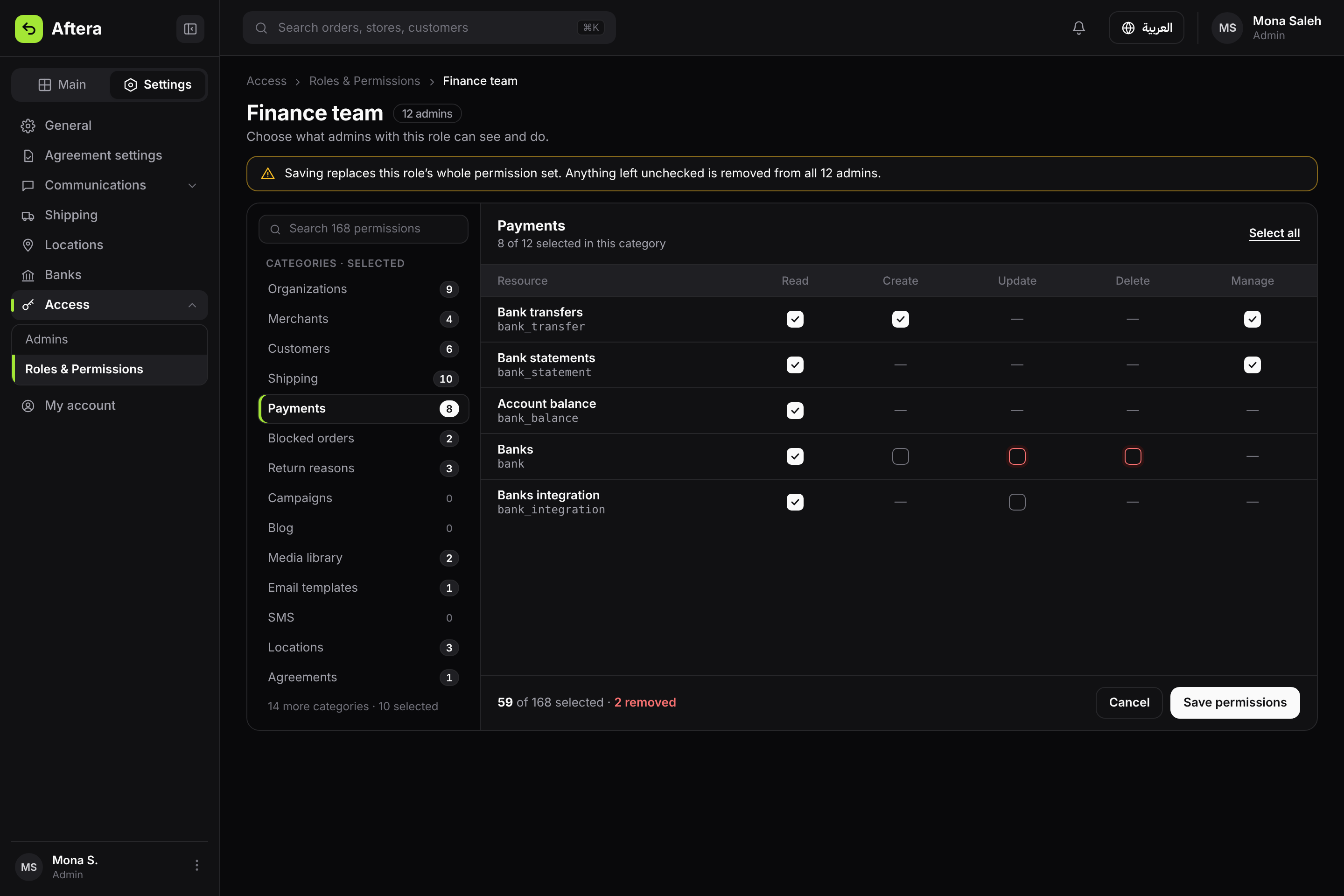
Categories in the rail, one category open, and the two permissions to be removed shown before saving.
A save that says what it removes
Because saving replaces the whole list, a fixed warning sits above the editor. If the admin unchecks any permission, the save dialog names each one and says how many admins will lose it. No generic "Are you sure?".
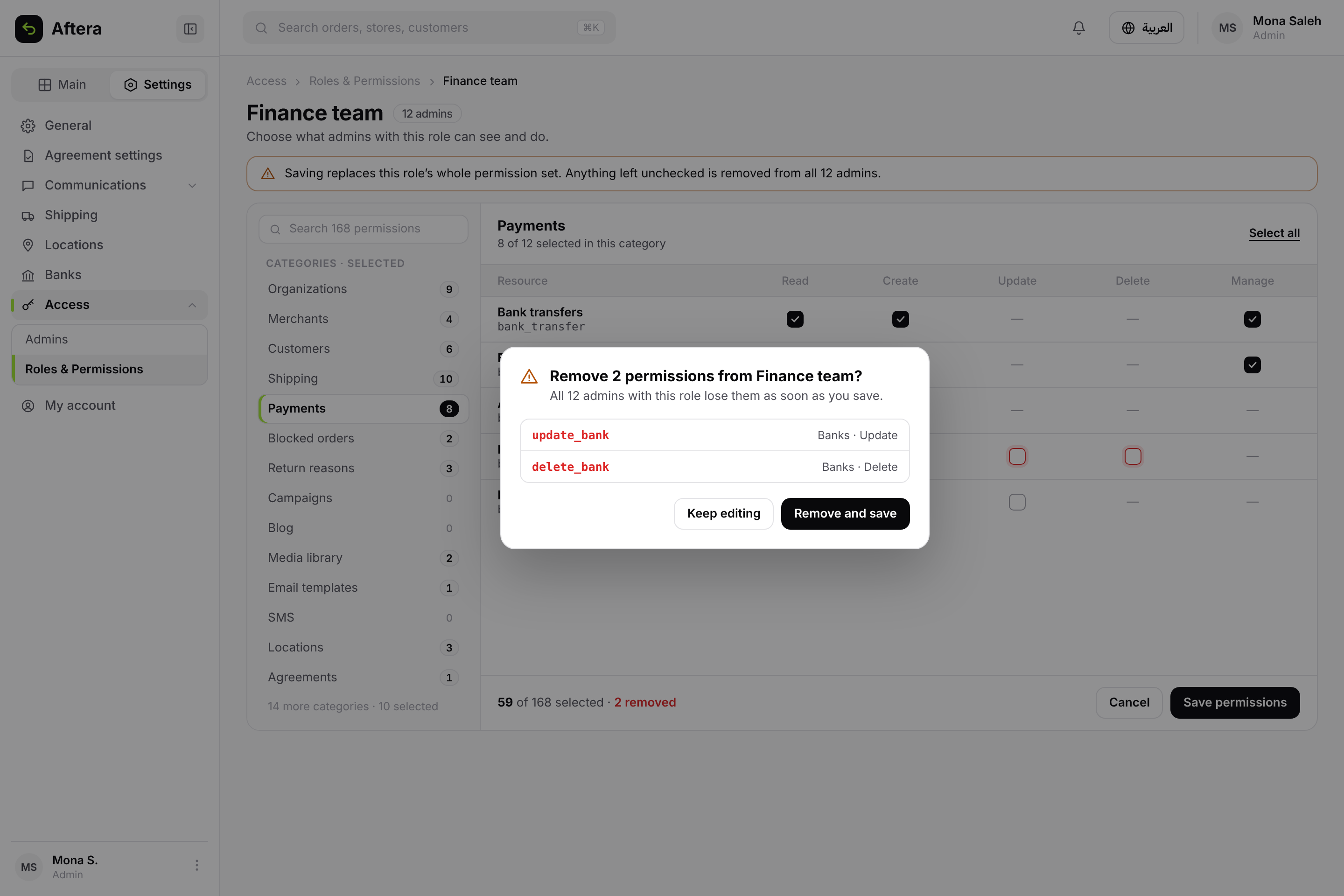
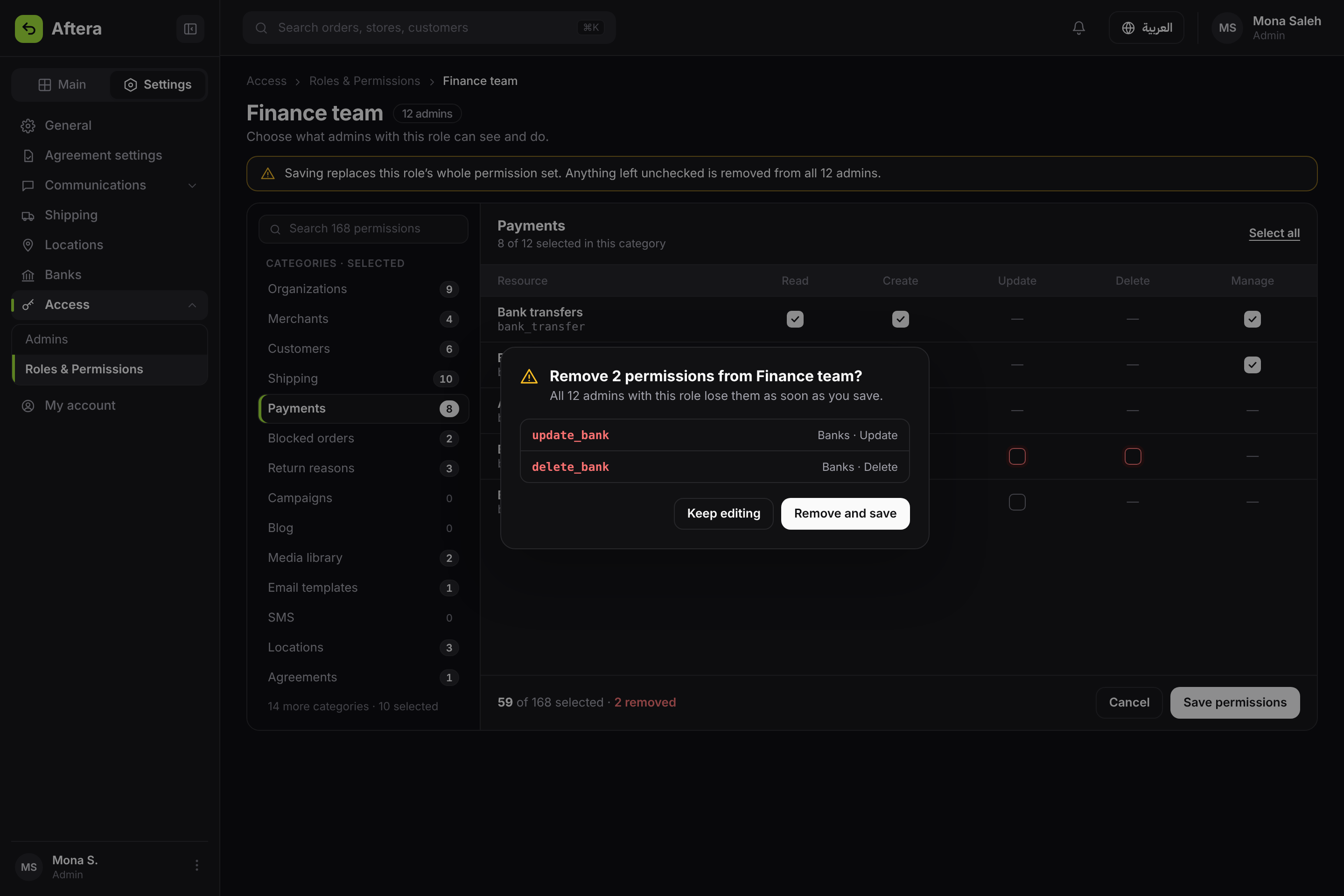
The dialog names every permission to be removed and where it belongs.
Overrides for each admin
An override adds or removes one permission for one admin, on top of their role. The effect changes in the row itself, and new rows are marked until saved. If the admin is the last one who can manage roles, the row blocks removing that permission and says why, and saving stops until it's fixed.
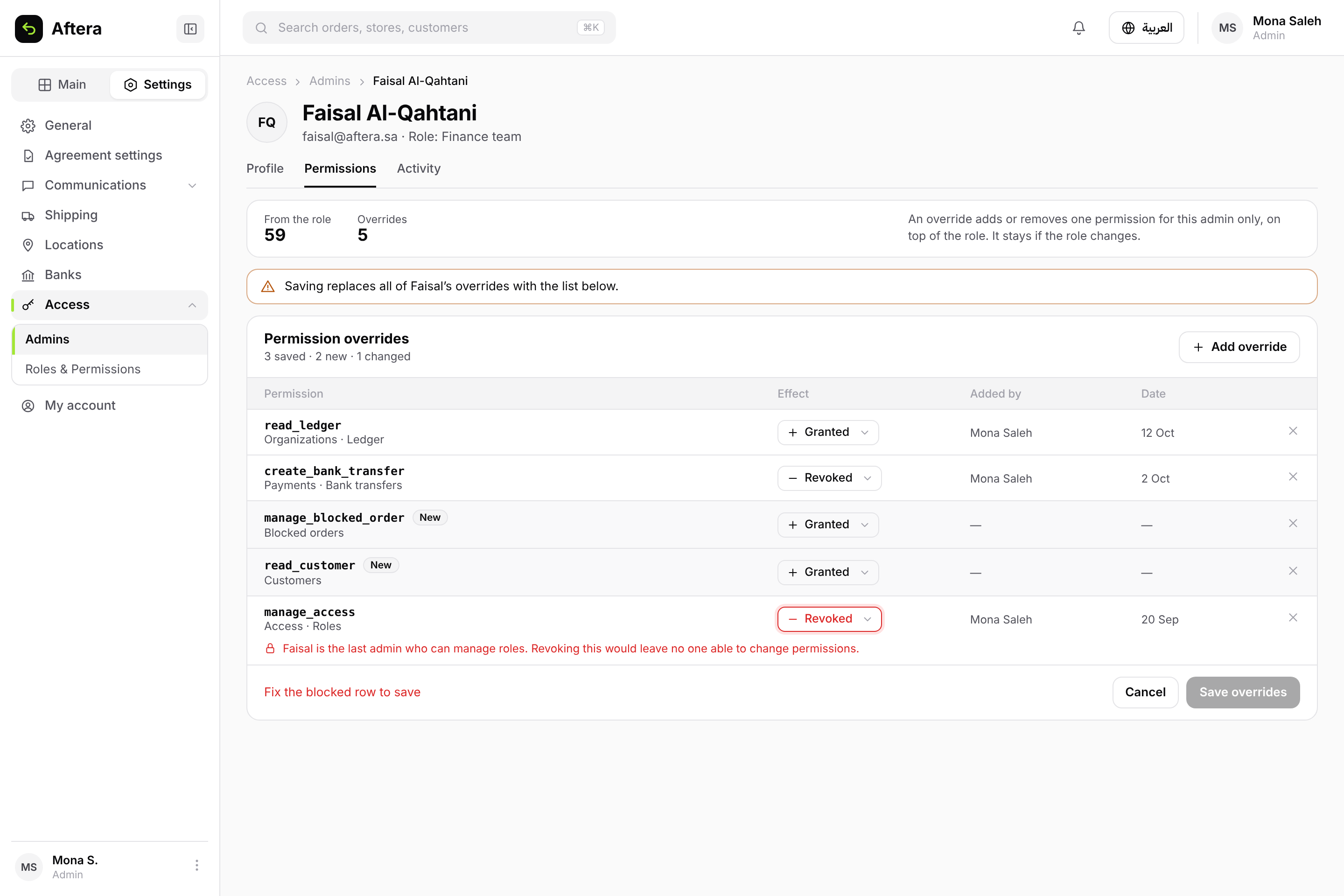
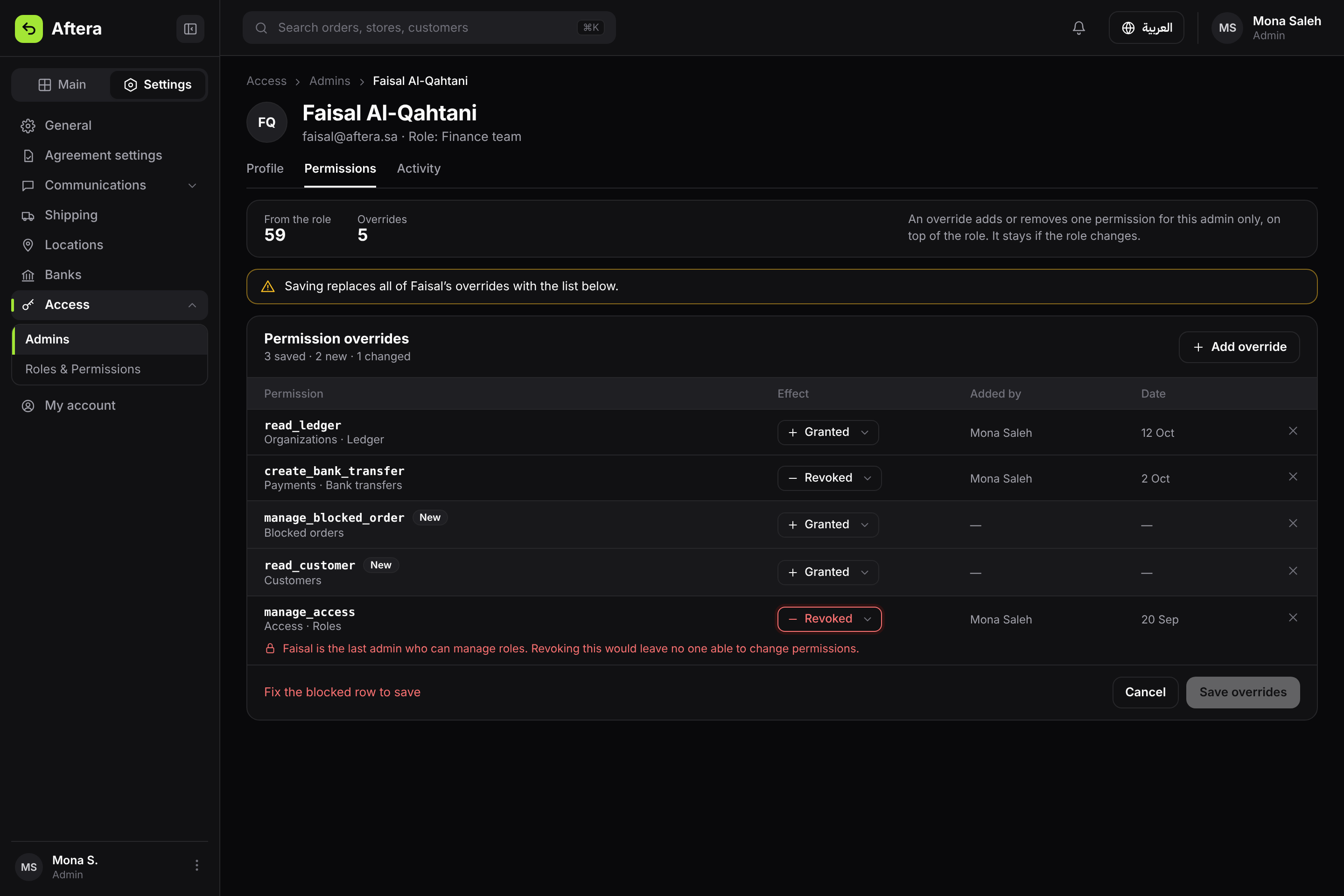
Saved and new overrides, and a blocked row that stops the save.
Adding an override
I didn't design a new list for picking one permission out of 168. I reused the editor's own rail and search, with more than one permission picked at once. A permission that already has an override shows faded, with the reason.
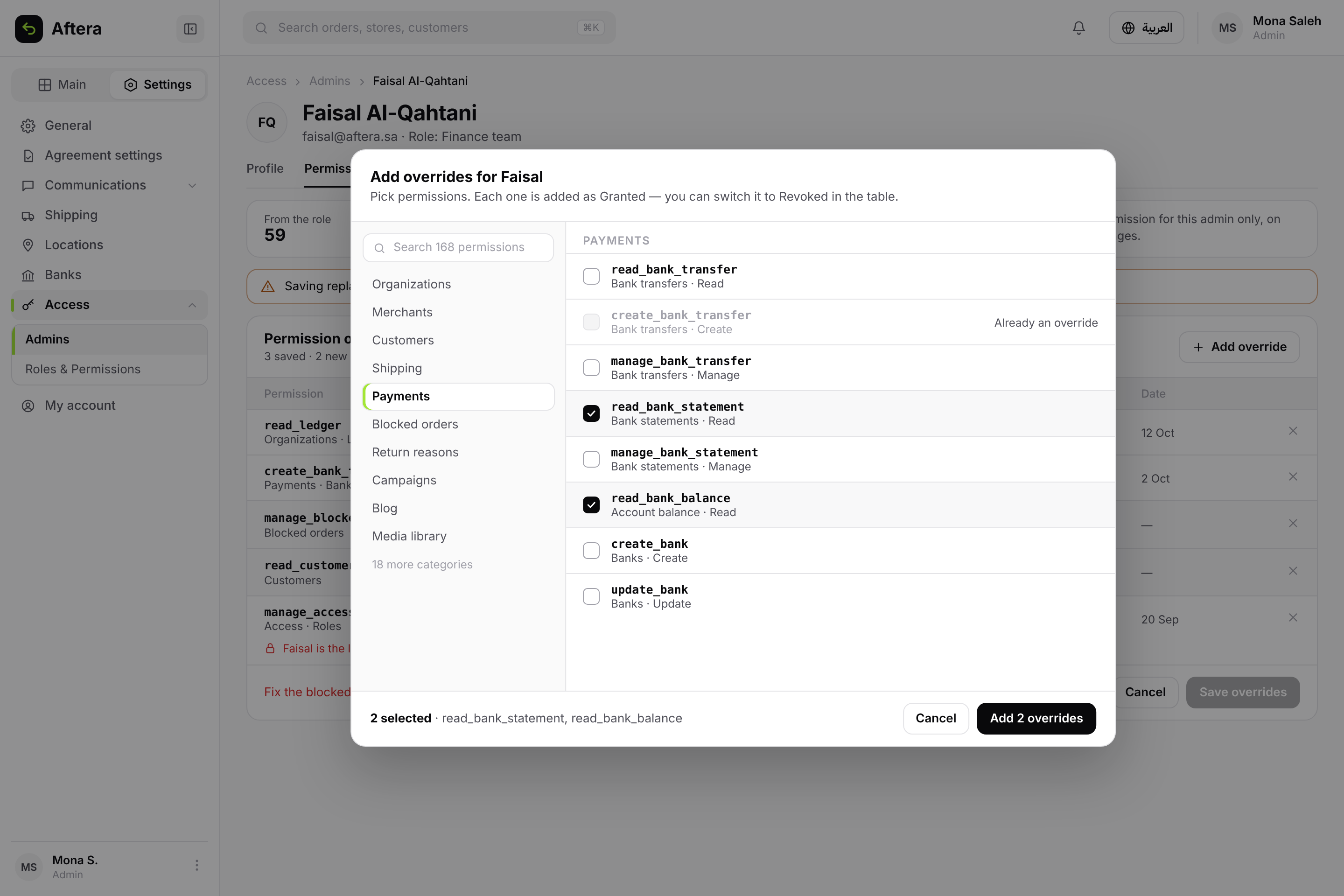
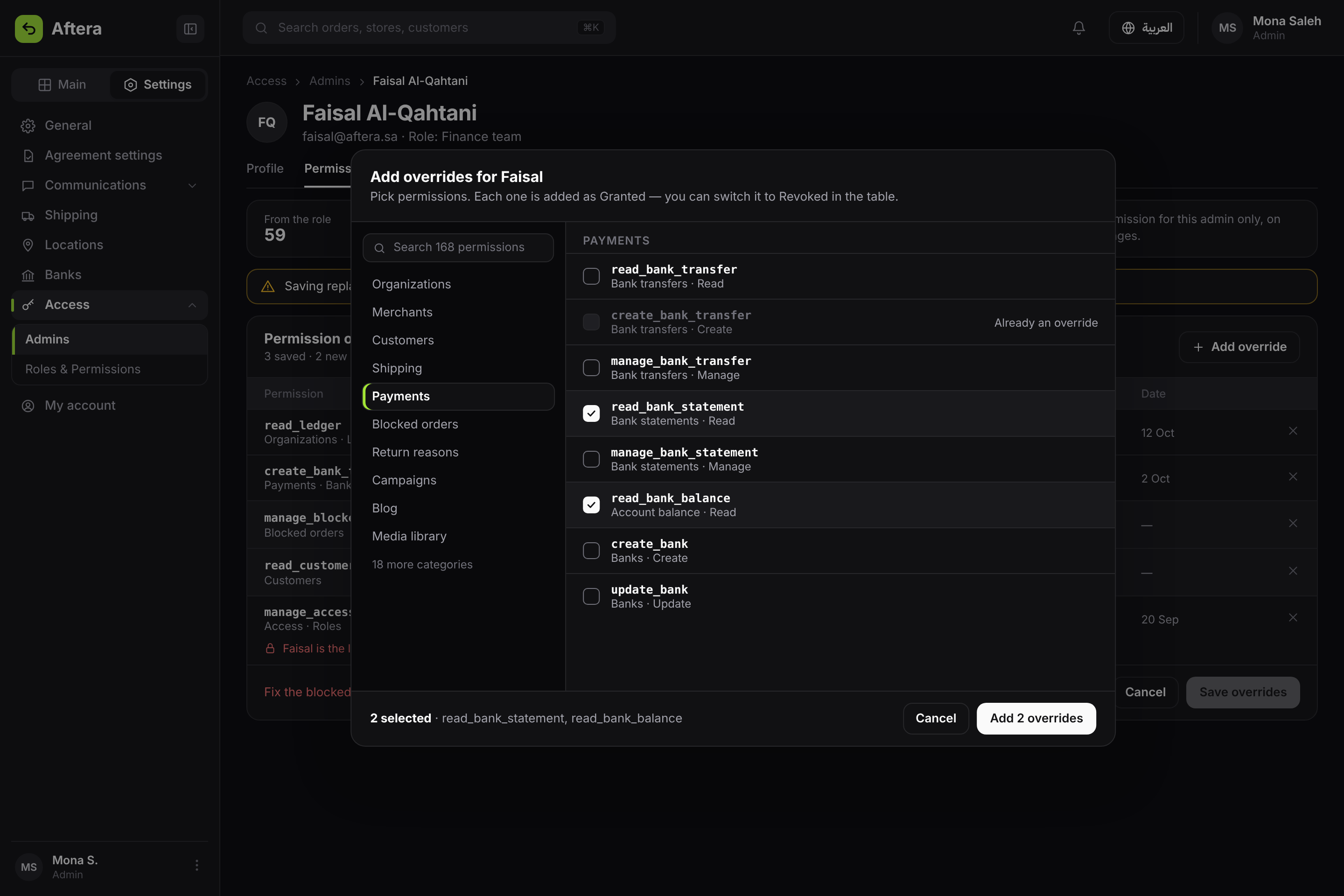
The editor's rail, several permissions picked, and a button that says the count.